
Manage tasks smarter with React-based apps
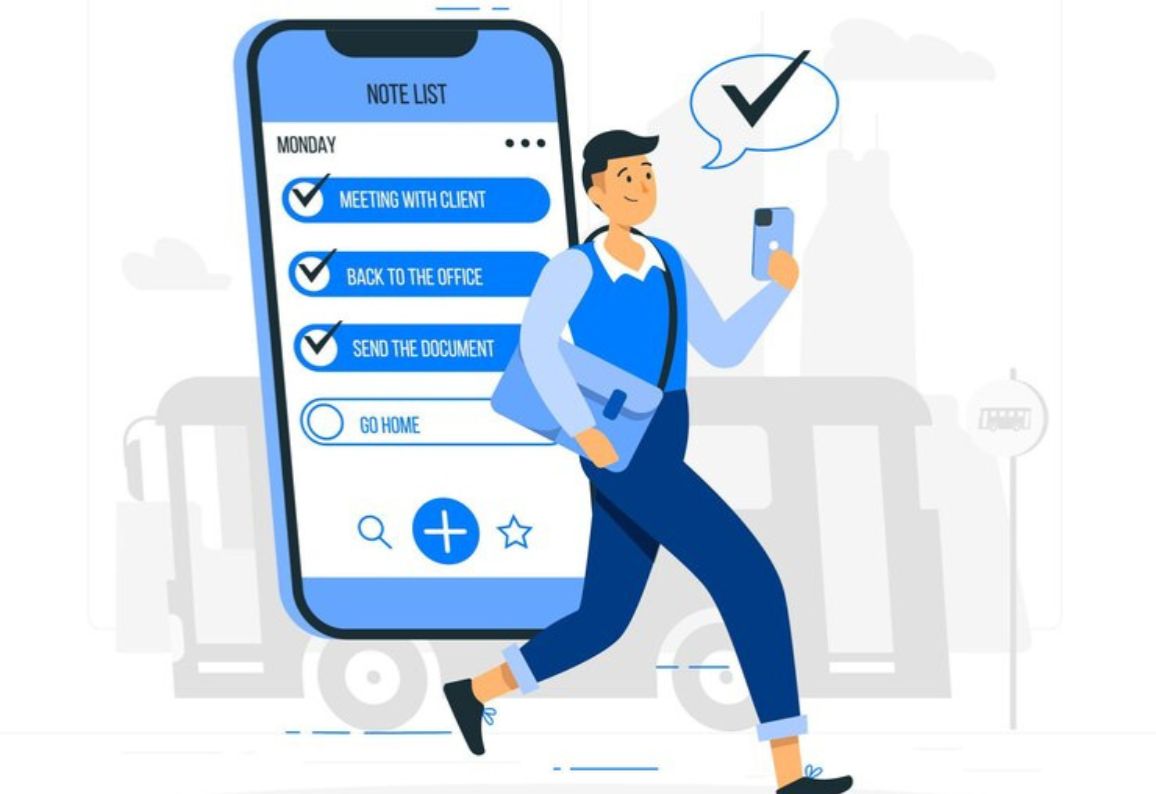
Discover how to create a Todo List App using React. Learn why it’s one of the best to do list apps for productivity and task management.
In today’s fast-paced world, staying organized is essential for both personal and professional success. A todo list app has become a must-have digital tool to manage daily tasks, deadlines, and priorities. With technology advancing rapidly, businesses and individuals are looking for the best to do list app that combines efficiency, user-friendliness, and adaptability. In this blog, we’ll explore why building a task tracker app with React JavaScript is the perfect choice and how it can lead to the best application for task management.
A to do checklist app simplifies complex schedules by breaking them down into actionable tasks. Unlike paper-based checklists, apps for to do lists provide features like notifications, categorization, and syncing across devices. Whether you’re managing work tasks, personal chores, or project deadlines, a task tracker application ensures nothing slips through the cracks.
When choosing or creating a good to do list app, certain features make all the difference:
Cross-platform support - A to do list for desktop and mobile ensures accessibility anytime, anywhere.
Reminders & notifications - Keeps you updated on upcoming tasks.
Task categorization - Grouping tasks helps prioritize better.
Task calendar integration - A todo calendar improves time management.
Simple UI - Clean, minimal, and user-friendly design.
React is one of the most popular frameworks for building interactive and scalable applications. Here’s why developers prefer React for creating a todolist website or application:
React JavaScript advantage: React’s virtual DOM improves performance and ensures smooth UI updates.
Component-based architecture: An application to do list can be broken into reusable components like task input, task list, and calendar.
Scalability: A React website can handle both simple and complex task management systems.
Community support: Millions of developers contribute to React JS, ensuring a robust ecosystem.
Setup React environment - Install Node.js and create a React JS project.
Create task input component - A simple form for adding tasks.
Task list component - Display tasks with options to mark complete or delete.
Task tracker application features - Integrate progress tracking and filtering.
Todo calendar integration - Sync tasks with a built-in todo calendar.
Backend integration - Store tasks persistently with APIs or databases.
Responsive design - Ensure usability across devices with React website design practices.
Using React for a todo list app ensures:
Faster performance compared to traditional frameworks.
Reusability of components, making development more efficient.
Easy updates and scalability as new features are added.
Compatibility with other tools and libraries for advanced features.
Business productivity - Companies can create a best todo app for managing employee tasks.
Personal organization - Students and professionals use apps for to do lists to stay organized.
Project management - Teams rely on task tracker apps to meet deadlines effectively.
With AI and automation, the best application for task management will include features like smart suggestions, voice commands, and predictive task planning. A React JS-based framework can easily adapt to these advancements, making it future-proof.
A todo list app is no longer just a digital notebook; it’s a productivity powerhouse. By leveraging React JavaScript, developers can create the best to do list app that is efficient, scalable, and user-friendly. Whether it’s a task tracker app, todo calendar, or a full-fledged application to do list, React makes it possible to build apps that truly transform productivity.
Multiple-Choice Questions
1. What command is used to create a new React app?
a) npm create-react-app
b) npx create-react-app
c) create-react-app init
d) npx init-react-app
2. Which React hook is used to manage state in a functional component?
a) useEffect
b) useReducer
c) useState
d) useContext
3. What is the purpose of the setTasks function in the TodoApp component?
a) To reset the task list
b) To update the task list state
c) To render the tasks on the screen
d) To delete tasks from the list
4. What does the addTask function do?
a) Deletes a task
b) Adds a new task to the state
c) Toggles a task's completion status
d) Filters tasks based on completion
5. Which CSS property is used to underline completed tasks?
a) text-transform
b) text-decoration
c) font-style
d) line-height
6. How are tasks identified uniquely in the map function?
a) By their text
b) By the array index
c) By the completed property
d) By their priority
7. Which function toggles the completion status of a task?
a) addTask
b) deleteTask
c) toggleComplete
d) updateTask
8. What is the significance of the trim method in the addTask function?
a) It checks if the input is empty
b) It removes extra whitespace from the task input
c) It converts the input to lowercase
d) It clears the task input field
9. What happens when the deleteTask function is called?
a) The app crashes
b) The task list is cleared
c) The specified task is removed from the state
d) The task is marked as incomplete
10. What will happen if key is not provided in the map function?
a) The app will run faster
b) React will throw a warning in the console
c) Tasks will not render
d) The app will crash
Solutions
1. b) npx create-react-app
2. c) useState
3. b) To update the task list state
4. b) Adds a new task to the state
5. b) text-decoration
6. b) By the array index
7. c) toggleComplete
8. b) It removes extra whitespace from the task input
9. c) The specified task is removed from the state
10.b) React will throw a warning in the console
To Know more, Visite our Youtube Channel
If you’re looking to develop a todolist website or explore good to do list apps tailored to your business, Cyberinfomines can help you build customized solutions with React.
📞 Call us: +91‑8587000904, 8587000905, 9643424141
🌐 Visit: www.cyberinfomines.com
📧 Email: vidhya.chandel@cyberinfomines.com